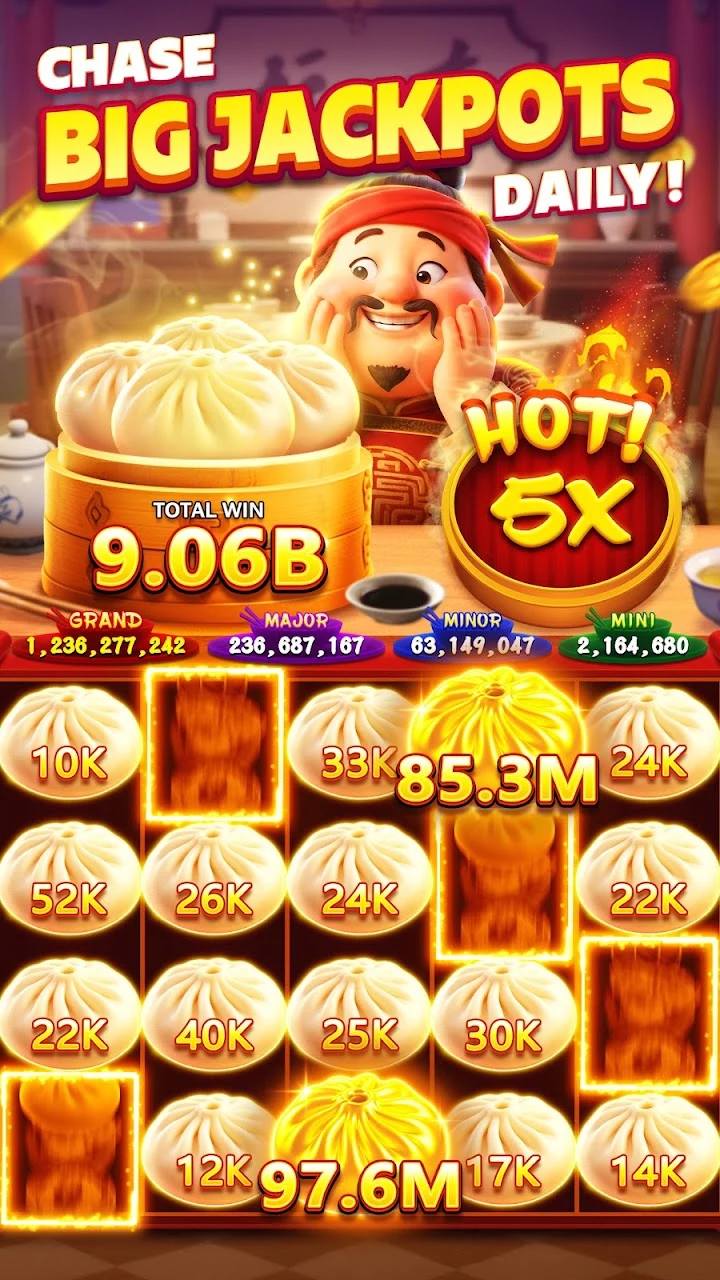

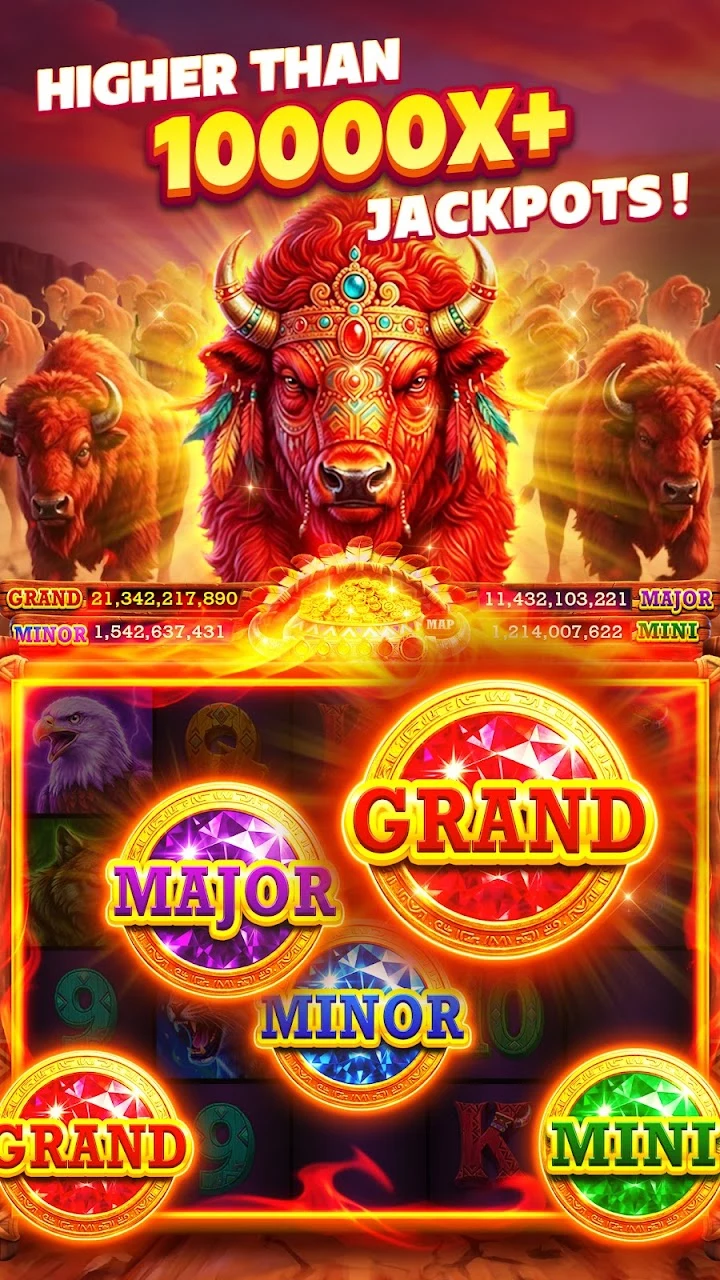
Install Jackpot Lightning through the official store on the phone or tablet you want to use. Google Play lists it as Jackpot Lightning - 777 Slots; the US App Store uses Jackpot Lightning Casino Slots. Both identify Slots Limited as the developer.
The app is a social casino with virtual coins. It does not award real money or cash prizes. Our game page has the download links alongside screenshots so you can recognize the listing before installing.
Download on Android
Open the Google Play link on your Android device. Check the title and developer, then read the compatibility message for the device selected on your account. Review the purchase disclosure and data safety information before choosing Install.
Let Google Play complete the download. When Open appears, launch the app from the store or your device’s app list. If you receive an error, keep the exact message. A storage problem needs a different fix from a listing that says your device is incompatible.
Avoid installing an APK from an unfamiliar download site to bypass a store message. Check the store account region, available storage, and device software first. Our device support guide explains what to check without guessing at a minimum operating system version.
Download on iPhone or iPad
Open the US App Store listing on your device and review Compatibility. Select Get if the app is available, then follow the device’s authentication prompt. Depending on your settings, the store may ask for Face ID, Touch ID, or your Apple Account password.
If the button already says Open, look for the installed app in device search or the App Library. Check for an update before assuming a second listing is needed. A free download can include optional paid items, so review purchase authentication on a shared device.
Start your first session
Use a steady connection and leave storage available for additional game assets. Read the introductory screens before accepting prompts. In the lobby, look at the virtual balance and the rules of your chosen machine. Set a spin amount you understand and a session timer before exploring purchase offers.
Check the reward amount and eligibility shown in the current app. An old advertisement may describe a different offer. Our virtual coins guide explains how rewards relate to play.
Returning to an existing game
Before reinstalling or replacing a phone, record any player ID and the account options visible in the app. Recovery and cross-device access depend on the developer’s current features. Installation alone does not guarantee that progress will appear.
Keep the old installation until you have checked your account. For a missing profile or failed launch, follow the login and support checklist and use the App support section of the official listing. This website cannot access your game account.
Common questions
Frequently asked questions
Where can I download Jackpot Lightning?
Use the official Google Play or US App Store listing linked here. Check that the developer is Slots Limited.
Is Jackpot Lightning free to download?
The stores offer a free download with optional in-app purchases. Purchases buy virtual game content and do not create a cash balance.
Does the casino promotion install the app?
No. Explore Casino Games opens a separate external promotion. Use the Google Play or App Store buttons to install Jackpot Lightning.
Sources
Official publisher and support information checked October 8, 2026.
How we prepare these guides